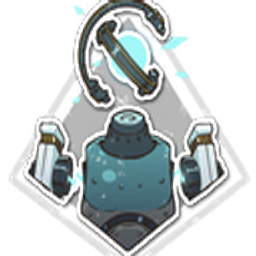
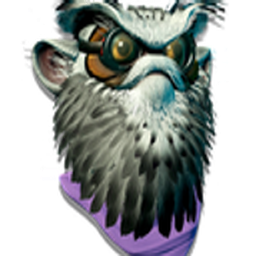
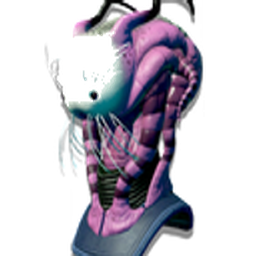
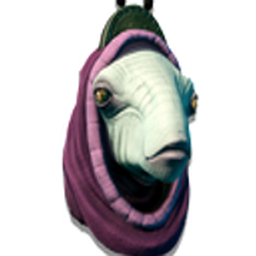
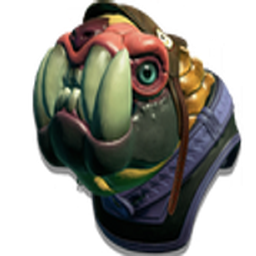
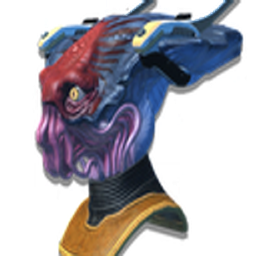
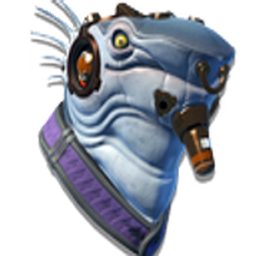
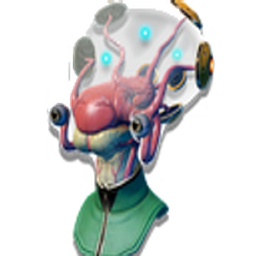
Turn your phone into a No Man's Sky terminal — 76 hand-themed No Man's Sky icons for Android, iPhone, Windows, Mac & Linux, plus wallpapers, charging animations and a custom alien font.
The pack includes the alien alphabet as an installable font. Type anything below to see it rendered live, or use the chart to map each glyph to its letter.
Slide the handle to see your home screen become a No Man's Sky terminal. Stock icons on the left, the full NMS Theme Pack on the right.
Replace your stock folder and file icons with NMS pack art. Every icon comes in .ICO (Windows) and .PNG (Mac & Linux) format.
A complete sci-fi customization suite — not just icons. All free, no account, works offline once installed.
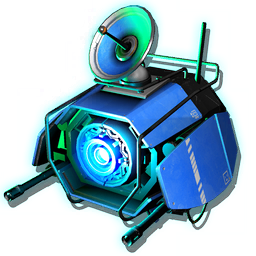
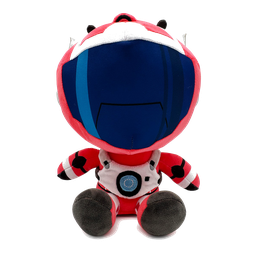
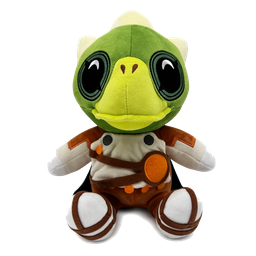
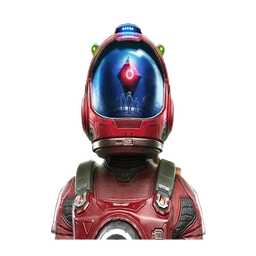
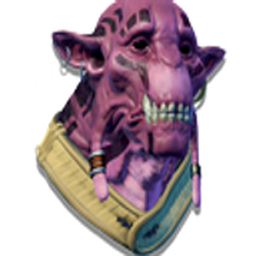
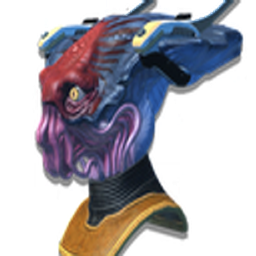
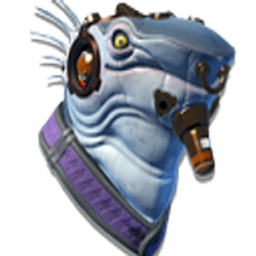
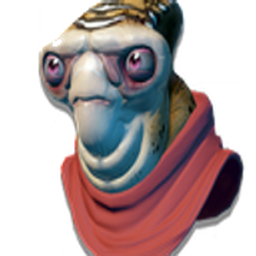
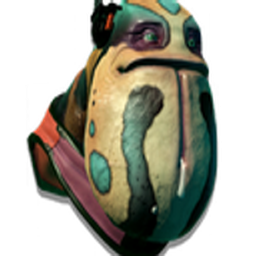
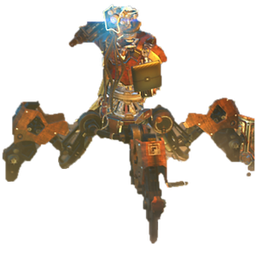
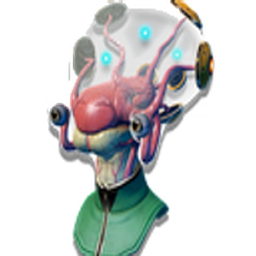
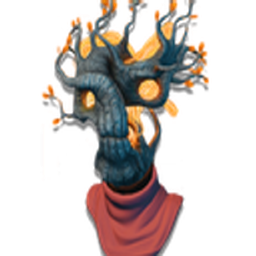
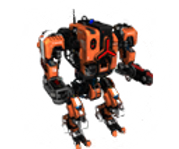
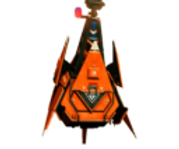
Hand-built No Man's Sky icons, each exported in multiple sizes as transparent PNGs — ready for Android, iPhone, Windows, Mac & Linux. A curated set inspired by NMS characters, ships and lore — not a full app replacement, but a distinctive themed highlight pack.
33 wallpapers across 6 resolutions for phone and desktop, tuned to the palette.
5 watermark-free MP4 charging screens for Android & iOS.
The NMS-style alphabet as an installable TTF — type in alien script anywhere.
Step-by-step guides for Android, iPhone, Mac & Windows, plus a launcher mapping file.
Add the whole thing to your home screen as an app — fast, offline, no store needed.
A live look at the real pack. Change the backdrop and tile size — tap any icon to copy its filename.
Get Nova Launcher, Niagara or Lawnchair from the Play Store — all free.
Unzip the Complete Icon Pack to your phone storage using a file manager like Files by Google.
Long-press the home screen → Wallpapers → choose the mobile wallpaper from your files.
Long-press an app → Edit → tap the icon → Pick image → browse to your PNG.
It's pre-installed on every iPhone. Search for it if you can't find it.
Tap + → Add Action → search Open App → choose the app.
Tap ⋯ → Add to Home Screen → tap the icon → Choose Photo → select your PNG.
Save the mobile_iPhone wallpaper to Photos → Settings → Wallpaper → Add New Wallpaper.
Open Finder → Applications → locate the app you want to customize.
Right-click the app → Get Info (or press ⌘I).
Click the small icon top-left of the Info window, then drag your PNG onto it (or copy/paste).
Right-click any desktop shortcut → Properties.
On the Shortcut tab click Change Icon → Browse.
Pick a .ico file (convert the PNG first if needed) → OK → Apply.
Set any NMS animation as your lock screen wallpaper automatically every time you plug in. Works on Samsung via Modes & Routines. iPhone setup coming soon.
Go to your phone's Settings app and scroll down to Modes and Routines.
Select the Routines tab at the bottom, then tap + in the top right to create a new routine.
Tap Add condition → Charging status → select Charging (tick both Wired and Wireless) → Done.
Tap Add action → Change Lock screen wallpaper → browse to your NMS MP4 file and select it.
Add a second action: Always On Display → set to On / Always so the animation stays visible while charging.
Set Keep routine until → Forever. Samsung automatically adds a "When routine ends" block that reverts your wallpaper when you unplug. Tap Done.
iOS doesn't allow custom video lock screens natively. The workaround is a screen animation app from the App Store, triggered automatically by a Shortcuts automation when you plug in.
Search the App Store for a charging animation or screen saver app that supports custom video or image import. Save your NMS MP4 (or a still frame) into the app.
It's pre-installed on every iPhone. Tap the Automation tab at the bottom.
Tap + → New Automation → scroll to Charger → select Is Connected → Next.
Tap Add Action → search Open App → choose your animation app → Next.
Disable Ask Before Running so the app opens automatically when you plug in → Done.
Everything is free. Start with the complete icon pack, then add wallpapers, animations and the font.
More free No Man's Sky tools from elegra1965 — all free, no account, installable apps.
Yes — every icon, wallpaper, animation and the font are free to download and use. No account, no paywall.
On Android, a custom launcher (Nova, Niagara or Lawnchair) makes applying icons easiest. On iPhone you can use the built-in Shortcuts app — no extra app needed.
Yes. iOS applies custom icons through Shortcuts. One Apple quirk: tapping a themed icon flashes the Shortcuts app for a moment before opening — that can't be bypassed.
This site is a PWA, so you can add it to your home screen and open it like a native app — it then works offline. On Android you'll get an install prompt; on iPhone use Share → Add to Home Screen.
No. It's a free fan-made project inspired by the game's aesthetic and is not affiliated with or endorsed by Hello Games.